Streamlining Your Stock: The Power of Inventory Checklist and Tracker
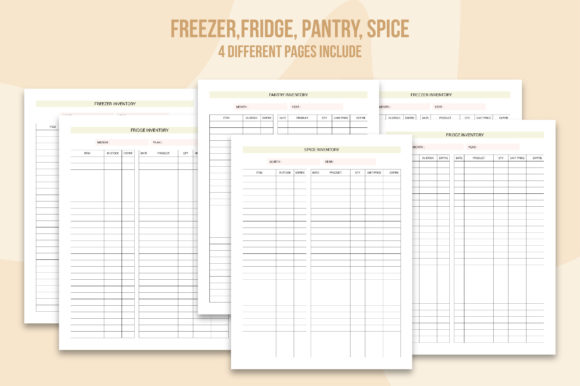
Inventory management is a critical aspect of running any business, from small home-based operations to large-scale enterprises. An Inventory Checklist and Inventory Tracker can be your best allies in keeping your stock organized and under control. Whether you're managing a bustling retail store, a busy kitchen, or even a personal pantry, these tools offer a practical and efficient way to stay on top of your inventory.
What is an Inventory Checklist?
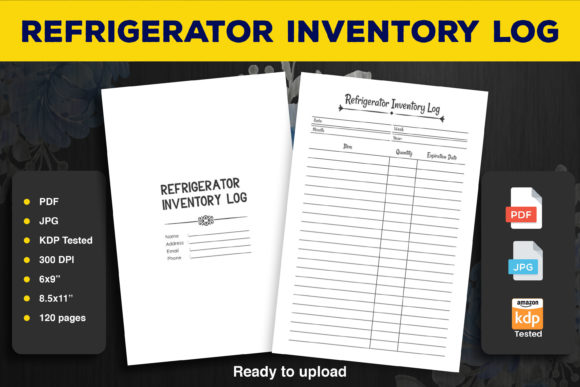
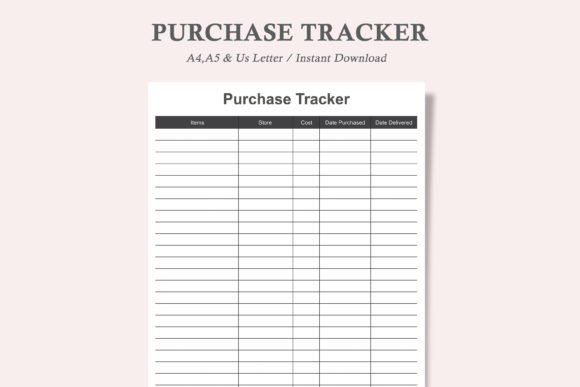
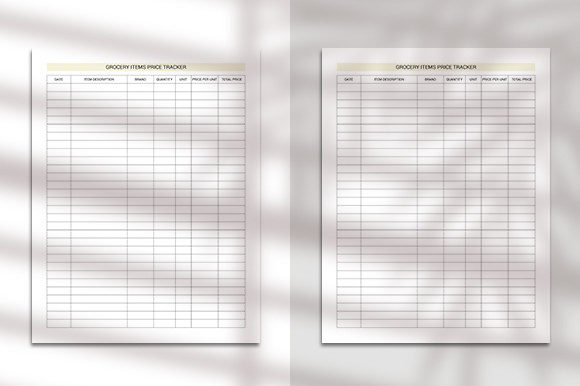
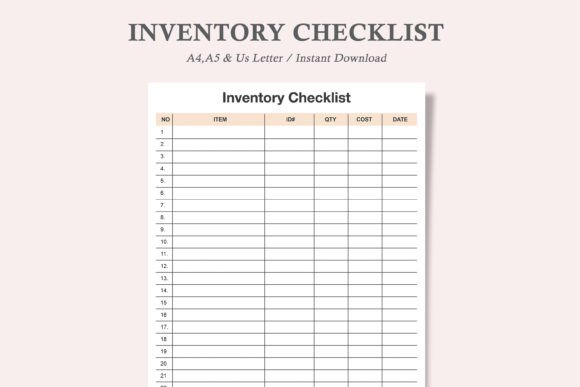
An Inventory Checklist is a structured document that helps you keep track of all the items in your stock. It typically includes columns for the item name, ID, quantity, cost, and date. This format makes it easy to see at a glance what you have, how much of it, and when it was last counted or added. The checklist is especially useful for conducting regular inventory counts, ensuring you never run out of essential items, and avoiding overstocking.
Real-World Applications
Imagine you run a small bakery. Every day, you need to ensure you have enough flour, sugar, and other ingredients to meet the demand. An Inventory Checklist helps you quickly identify which supplies are running low, so you can order more before you deplete your stock. This not only saves you from last-minute panic but also helps in maintaining a consistent quality of your baked goods.
Who Can Benefit from an Inventory Checklist?
- Small Business Owners: Keep track of products, supplies, and equipment to avoid shortages and manage costs effectively.
- Homeowners: Use it to manage your pantry, ensuring you always have the essentials and don't waste money on duplicates.
- Event Planners: Ensure you have all the necessary supplies for events, from decorations to catering materials.
- Warehouse Managers: Maintain accurate records of inventory levels to optimize storage and reduce errors.
The Role of an Inventory Tracker
An Inventory Tracker goes a step further by providing a more dynamic and interactive way to manage your stock. While a checklist is great for periodic counts, a tracker allows you to update and monitor your inventory in real-time. This is particularly useful in fast-paced environments where stock levels change frequently.
Practical Examples
Consider a clothing boutique. With an Inventory Tracker, you can instantly see which sizes and styles are selling out, allowing you to reorder popular items and adjust your marketing strategies. This not only keeps your customers happy but also maximizes your sales and minimizes dead stock.
Common Considerations
Before implementing an Inventory Checklist or Inventory Tracker, consider the following:
- Size and Complexity of Your Inventory: Choose a tool that can handle the volume and variety of your stock without becoming cumbersome.
- User-Friendliness: Opt for a design that is easy to read and fill out, whether in print or digital form.
- Cost-Effectiveness: Balance the cost of the tool with the benefits it provides, such as time saved and reduced errors.
- Integration with Other Systems: If you use other business tools, consider how well the inventory system integrates with them.
Strengths and Limitations
Strengths:
- Visibility: Clear and organized tracking of all inventory items.
- Efficiency: Reduces the time and effort needed for manual counting and recording.
- Accuracy: Minimizes human error and ensures up-to-date information.
Limitations:
- Initial Setup: Requires some initial setup and training to get started.
- Manual Updates: For printed checklists, updates must be done manually, which can be time-consuming.
- Technology Dependence: Digital trackers may require reliable internet and software, which can be a challenge in some settings.
How to Use the Inventory Checklist Printable
Our Inventory Checklist Printable is designed to be both functional and user-friendly. Here’s how you can make the most of it:
- Purchase the Listing: Start by purchasing the listing, which includes 3 PDF and 3 JPEG versions in US Letter, A4, and A5 sizes.
- Download and Save: Download the files and save them to your computer for easy access.
- Print: Print the checklist at home or at a local print shop like FedEx Kinkos, Office Depot, or Staples.
- Fill It In: Use a pen or pencil to fill in the details of your inventory. The clean, minimalist design makes it easy to read and write in.
By following these steps, you can start using your Inventory Checklist and Inventory Tracker to streamline your stock management, making your operations smoother and more efficient. Whether you’re a small business owner, a homeowner, or a professional in any industry, these tools are invaluable for keeping your inventory in check and your mind at ease.